ADHD Reading Focus
Free Chrome extension for focused reading. Highlights one paragraph at a time to eliminate distractions. Great for ADHD, dyslexia, and deep focus sessions.
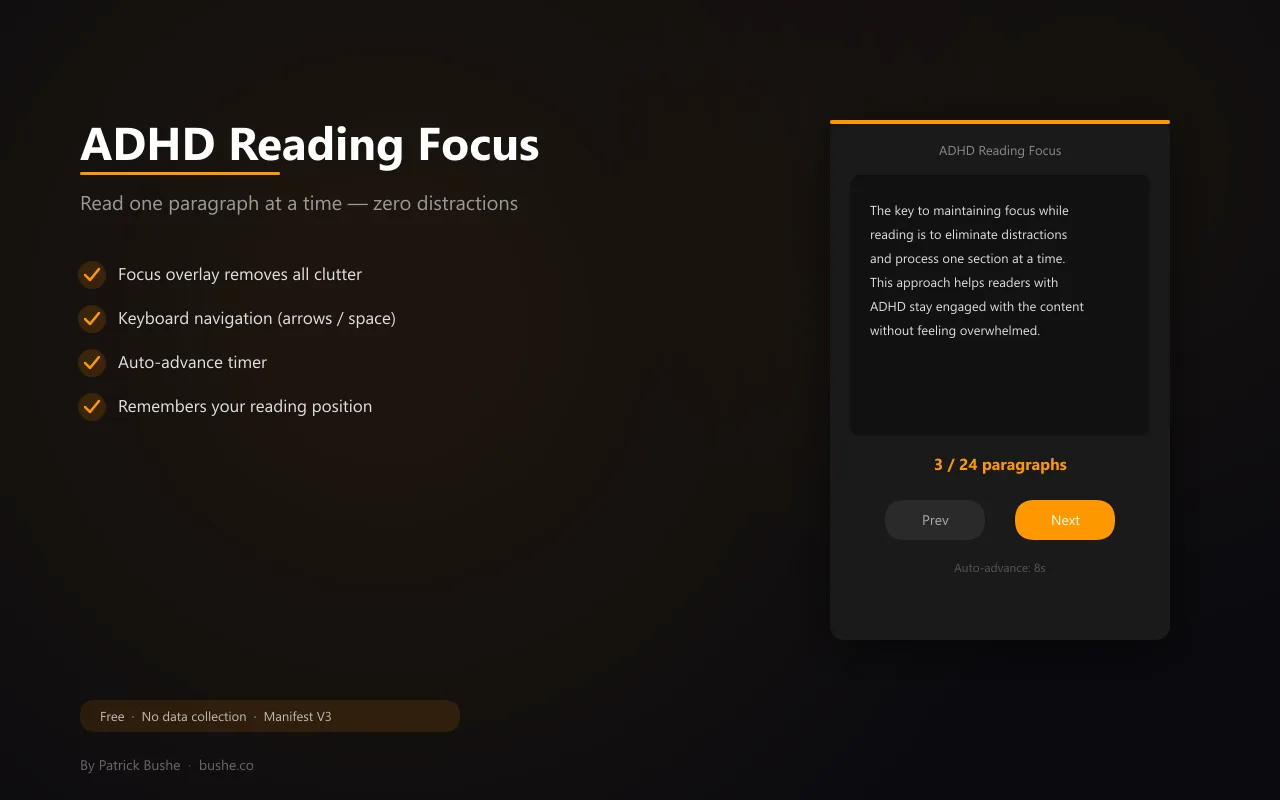
Long articles are hard to get through when everything on the page is competing for your attention. ADHD Reading Focus strips all of that away. Press Alt+R on any page. A dark overlay appears showing just one paragraph of the article. Navigate forward and back with arrow keys or spacebar. Press Escape to exit. Turn on auto-advance and the extension moves to the next paragraph on a timer with a progress bar. Set the font size to small, medium, or large. The extension remembers your position on each page so you can come back later and pick up where you left off. Built for people with ADHD, but useful for anyone who wants to actually finish reading something online.
Key Features
Everything you need to maximize your productivity and workflow.
Focus Overlay
Dark overlay strips away all distractions, showing just one paragraph at a time.
Keyboard Navigation
Arrow keys, spacebar, and Escape for fluid navigation. Alt+R to toggle.
Auto-Advance
Automatically moves to the next paragraph on a timer with a visual progress bar.
Adjustable Font
Choose small, medium, or large font size for comfortable reading.
Position Memory
Remembers where you left off on each page via sessionStorage.
No Data Collection
No accounts, no tracking. Everything stays in your browser.
How to use ADHD Reading Focus
- 1
Add ADHD Reading Focus to Chrome from the Chrome Web Store.
- 2
Open an article and press Alt+R, or click the extension, to start focus mode.
- 3
The page dims and one paragraph at a time is highlighted.
- 4
Use the arrow keys or spacebar to move through paragraphs, and Escape to exit.
- 5
Turn on auto-advance to move on a timer, and pick a font size that's comfortable.
ADHD Reading Focus vs the alternatives
Other ways to do the same job, and where each one fits.
Reader mode
Removes clutter from the page, but still shows the whole article at once.
Bionic reading extensions
Bold parts of each word to guide your eyes. Some readers find it helps; others don't.
Text to speech
Reads the article aloud, useful when reading on screen is hard.
ADHD Reading Focus guides
How-tos and explainers from the blog.
Best Chrome Extensions to Help Focus While Reading with ADHD
A roundup of Chrome extensions that actually help people with ADHD focus on reading online — from bionic reading to focus mode tools.
How AI Is Transforming Browser Extensions in 2026 (What Changed Under the Hood)
SEO Title: How AI Is Transforming Browser Extensions in 2026 Meta Description: From a developer building MV3 extensions in 2026 — what actually changed...
The Top AI-Powered Chrome Extensions for Enhanced User Experience (Rated on UX, Not Hype)
SEO Title: Top AI Chrome Extensions for User Experience (2026 Guide) Meta Description: AI Chrome extensions rated on UX patterns, latency, and friction —...
How Bionic Reading Helps People with ADHD Focus on Text
Bionic reading bolds the first few letters of every word to guide your eyes. Here's why it works for ADHD brains and how to enable it in Chrome.
How to Read Long Articles Online When You Have ADHD
ADHD makes long-form reading online brutal. Here are evidence-based strategies and tools that actually help you finish articles.
How to Focus on Reading Long Articles When You Have ADHD
Long articles are brutal when your brain wants to jump around. Here are practical strategies — and tools — that actually help.
Visual Showcase
See ADHD Reading Focus in action across different contexts.
Focus Overlay
Read one paragraph at a time in a distraction-free dark overlay.
Frequently Asked Questions
Everything you need to know about ADHD Reading Focus.
How do I activate it?
Press Alt+R on any page, or click the extension icon and hit the focus button.
Does it remember where I left off?
Yes. Your paragraph position is saved per-page in sessionStorage so you can pick up where you stopped.
Does it work on all websites?
It works on any page with paragraph content. It extracts text paragraphs from the page DOM.
Does it help with reading when you have ADHD?
Many people with ADHD find one paragraph at a time easier to follow than a full page, and the dimmed background removes distractions.
Can I control it with the keyboard?
Yes. Alt+R toggles it, arrow keys and spacebar move between paragraphs, and Escape exits.
Ready to Get Started?
ADHD Reading Focus is free, installs in seconds, and has no account to sign up for.
Get Extension Now!Need a custom extension for your business? I build Chrome extensions for clients too.