Clipboard Guard
Free Chrome extension that blocks websites from reading your clipboard without permission. Get notified and approve or deny clipboard access per site.
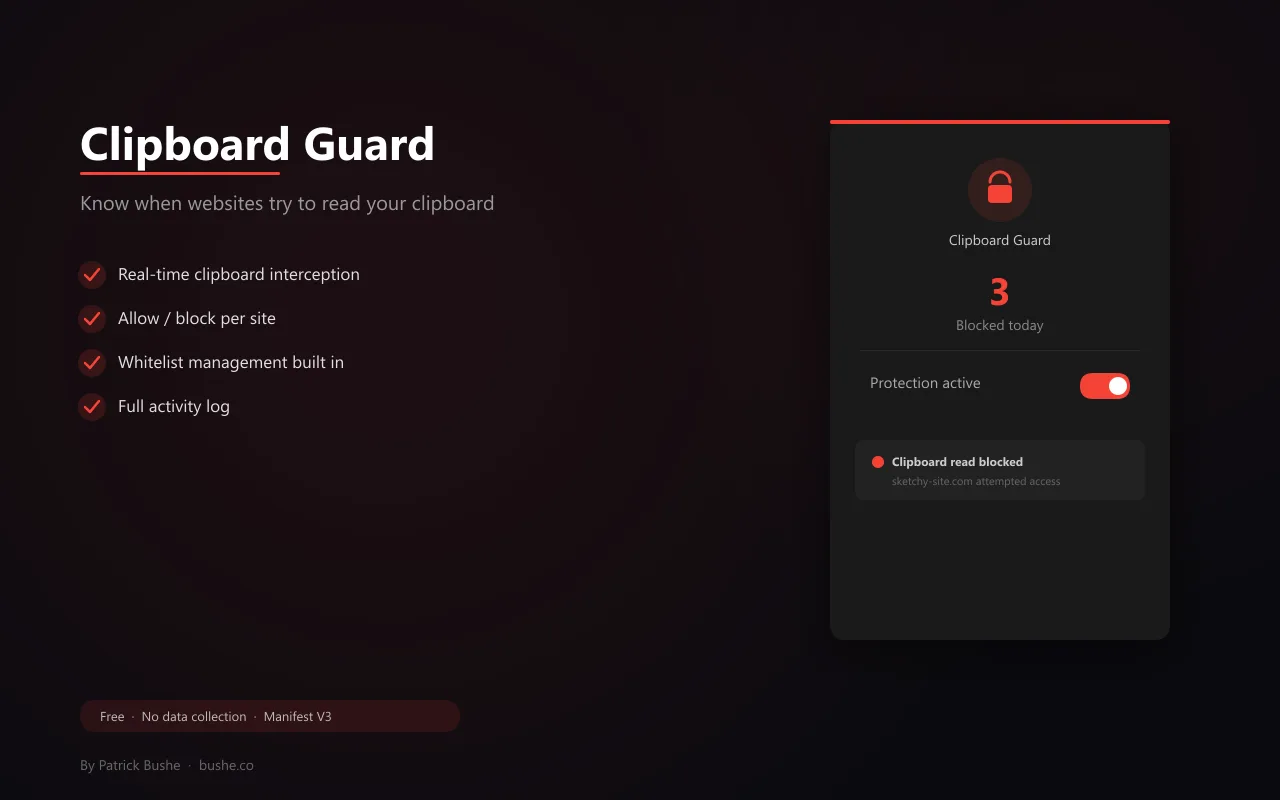
Some websites read your clipboard without asking. If you've copied a password, address, or anything private, that data can be silently accessed by page scripts. Clipboard Guard stops this. The extension injects a protective script before any page JavaScript runs, intercepting clipboard read attempts at the source. When a site tries to access your clipboard, Clipboard Guard blocks it and shows a toast notification. You can Allow Once for a single read or Always Allow to whitelist a trusted site. Manage your whitelist from the popup at any time. An activity log shows every blocked and allowed attempt. A red badge counts how many attempts have been blocked today. No data leaves your browser.
Key Features
Everything you need to maximize your productivity and workflow.
Real-Time Interception
Blocks clipboard read attempts before page scripts can access your data.
Toast Notifications
Instant notification when a site tries to read your clipboard with Allow/Block options.
Whitelist Management
Allow trusted sites permanently. Manage your whitelist from the popup.
Activity Log
Full log of every blocked and allowed clipboard access attempt.
Badge Counter
Red badge shows how many clipboard reads have been blocked today.
Zero Data Collection
Works entirely locally using MAIN world script injection. No external servers.
How to use Clipboard Guard
- 1
Add Clipboard Guard to Chrome from the Chrome Web Store.
- 2
Browse normally. When a site tries to read your clipboard, the read is blocked and you get a notification.
- 3
Choose Allow or Block for that site.
- 4
Add sites you trust, like your password manager's site, to the whitelist.
- 5
Check the activity log to see which sites tried to read your clipboard.
Clipboard Guard vs the alternatives
Other ways to do the same job, and where each one fits.
Chrome's clipboard permission
Chrome asks before sites use its modern clipboard-reading API. Clipboard Guard adds notifications, a log, and a whitelist on top.
Clipboard manager apps
Keep a history of what you copy, which is convenient but means more copies of sensitive data.
Being careful what you copy
Still wise for passwords and crypto addresses, whatever tools you use.
Clipboard Guard guides
How-tos and explainers from the blog.
How to Protect Your Clipboard from Crypto Address Hijacking
Clipboard hijacking malware silently swaps your copied crypto wallet address with an attacker's. Here's how to detect and prevent it in Chrome.
How to Stop Websites from Reading Your Clipboard Without Permission
Many websites can silently read your clipboard contents when you visit them. Here's how to prevent unauthorized clipboard access in Chrome.
How Websites Can Read Your Clipboard Without You Knowing
Modern browsers give websites the ability to read your clipboard. Most people have no idea this is happening — and it can expose sensitive data.
Protect Your Clipboard From Crypto Address Swapping Attacks
Clipboard hijackers swap your crypto address at paste time. One wrong transaction and the funds are gone. Here's how the attack works and how to stop it.
Why You Should Never Copy Passwords With Clipboard Protection Off
Every time you copy a password, it sits in an unencrypted clipboard accessible to any process that asks for it. Here's why that's a problem.
How to Block Websites From Accessing Your Clipboard in Chrome
Chrome's clipboard permissions can be tightened, but there are gaps. Here's a complete guide to locking down clipboard access in your browser.
Visual Showcase
See Clipboard Guard in action across different contexts.
Clipboard Protection
Real-time interception with toast notifications and whitelist management.
Frequently Asked Questions
Everything you need to know about Clipboard Guard.
How does it block clipboard reads?
It injects a script in the MAIN world (same context as page scripts) that overrides navigator.clipboard.readText and .read before any page JavaScript runs.
Can I allow specific sites?
Yes. When blocked, you can Allow Once or Always Allow. Always Allow adds the site to your whitelist, manageable from the popup.
Does it read my clipboard contents?
No. It intercepts the API call but never reads the clipboard data itself. It only blocks or allows the request.
Can websites read my clipboard?
Some try. Chrome requires permission for its modern clipboard API, and Clipboard Guard blocks read attempts and tells you when a site tries.
Will it break copy and paste on sites I use?
Pasting normally still works. If a site needs to read the clipboard, allow it once or add it to your whitelist.
Ready to Get Started?
Clipboard Guard is free, installs in seconds, and has no account to sign up for.
Get Extension Now!Need a custom extension for your business? I build Chrome extensions for clients too.