Cookie Auto-Reject
Free Chrome extension that automatically rejects cookie consent banners. Supports OneTrust, Cookiebot, TrustArc, and more. Never click reject again.
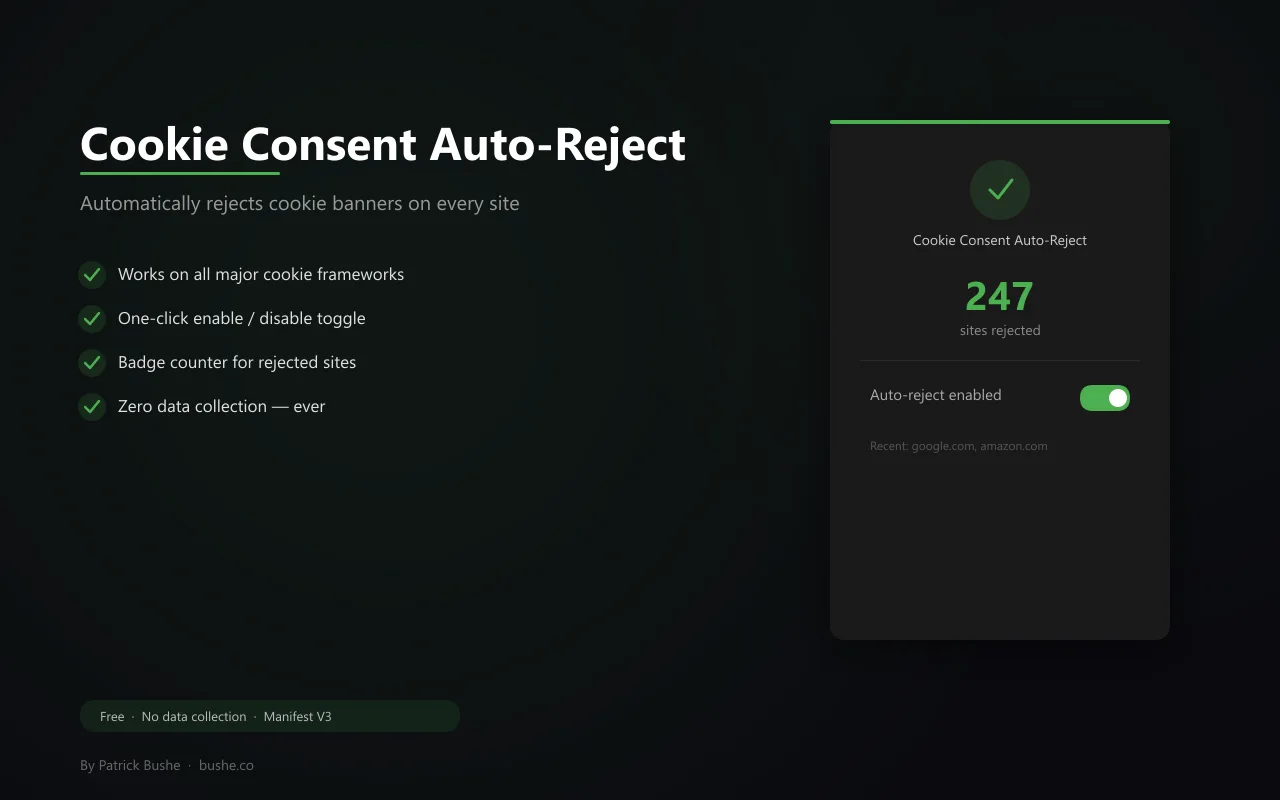
You visit a website. A cookie banner blocks the page. You click "Reject All." You do this hundreds of times a week. Cookie Consent Auto-Reject handles it for you. It detects cookie consent banners from major providers — OneTrust, Cookiebot, TrustArc — plus generic banners, and clicks the reject/decline button automatically. Uses MutationObserver to catch banners that load after the page, so nothing slips through. A badge shows how many sites have been handled. No data leaves your browser. No external servers. No tracking. Just fewer annoying popups standing between you and the content you came for.
Key Features
Everything you need to maximize your productivity and workflow.
Auto-Reject
Automatically clicks reject/decline on cookie consent banners from all major providers.
MutationObserver
Catches banners that load after the page using DOM observation — nothing slips through.
Badge Counter
See how many cookie banners have been rejected with a live badge on the extension icon.
Quick Toggle
Enable or disable auto-rejection with a single click in the popup.
Recent Activity
View the last 5 sites where cookie banners were rejected.
Zero Data Collection
No data leaves your browser. No external servers, no analytics, no tracking.
How to use Cookie Auto-Reject
- 1
Add Cookie Auto-Reject to Chrome from the Chrome Web Store.
- 2
Browse normally: when a cookie banner appears, the extension clicks reject for you.
- 3
Banners that load late are caught too.
- 4
Check the badge to see how many banners have been rejected.
- 5
Open the popup to see recent sites or pause auto-reject with one click.
Cookie Auto-Reject vs the alternatives
Other ways to do the same job, and where each one fits.
I don't care about cookies
Hides or accepts banners to get them out of the way. Cookie Auto-Reject says no instead.
Read the comparison →Ad blocker annoyance filters
Hide banners visually, but hiding isn't the same as rejecting.
Consent-O-Matic
An open-source extension that also answers consent pop-ups with your preferences.
Cookie Auto-Reject guides
How-tos and explainers from the blog.
How to Automatically Reject All Cookie Popups in Chrome
Cookie consent popups are everywhere. Here's how to auto-reject them all without accepting tracking cookies you don't want.
How to Stop Cookie Consent Banners Without Accepting Tracking
Most cookie blockers just hide the banner, which often defaults to accepting tracking. Here's how to actually reject cookies, not just hide the popup.
How to Automatically Reject Cookie Consent Popups in Chrome
Cookie banners appear on every website and most people just click Accept. Here's how to automatically reject them all without clicking anything.
Best Cookie Popup Blocker Extensions for Chrome in 2026
There are several Chrome extensions that handle cookie banners. Here's how they compare and which approach actually protects your privacy.
What Happens When You Click Accept All on Every Website for a Year
Put simply, happens when you click accept all on every website for a year is one of those things that happens in the background every time you open a browser tab. Most people never think about it, but understanding it gives you a real advantage wh...
Why Clicking Accept All Cookies Is Worse Than You Think
You click Accept All cookies dozens of times a day without thinking. Here's what you're actually agreeing to and why it matters.
Visual Showcase
See Cookie Auto-Reject in action across different contexts.
Auto-Reject in Action
Cookie banners detected and rejected automatically across all major frameworks.
Frequently Asked Questions
Everything you need to know about Cookie Auto-Reject.
Which cookie frameworks does it support?
OneTrust, Cookiebot, TrustArc, plus generic banners with common reject/decline button patterns.
Does it work on banners that load late?
Yes. It uses a MutationObserver to detect banners injected after the initial page load.
Does it collect any browsing data?
No. Everything runs locally. The only data stored is your enable/disable preference and a counter.
How do I block cookie pop-ups in Chrome without accepting?
Cookie Auto-Reject clicks reject or decline on common consent banners automatically, so you never have to accept to get rid of them.
Why do some banners still appear?
Some sites use custom banners it doesn't recognize yet. You can reject those by hand.
Ready to Get Started?
Cookie Auto-Reject is free, installs in seconds, and has no account to sign up for.
Add to ChromeNeed a custom extension for your business? I build Chrome extensions for clients too.