Word Counter
Free Chrome extension for instant word count, character count, sentence count, and reading time on any webpage or selected text. No sign-up required.
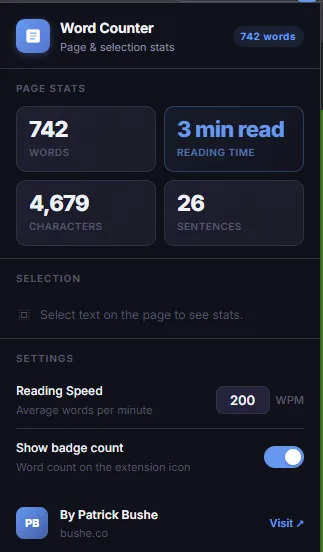
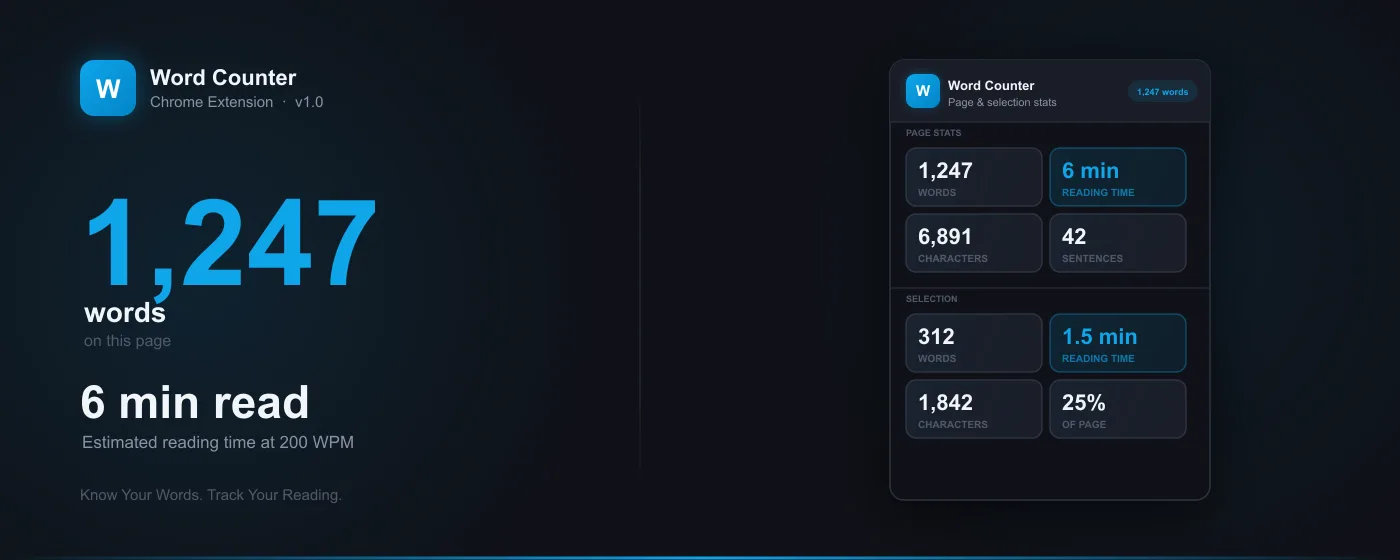
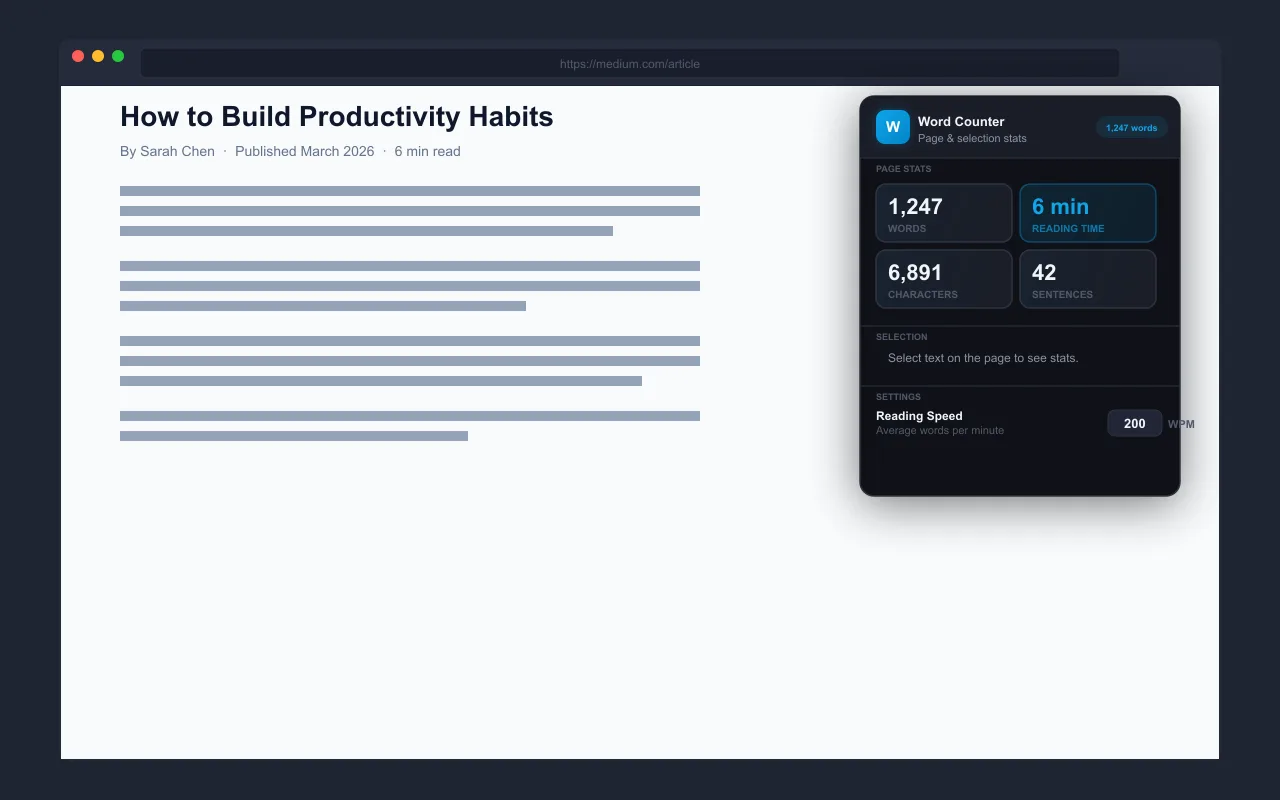
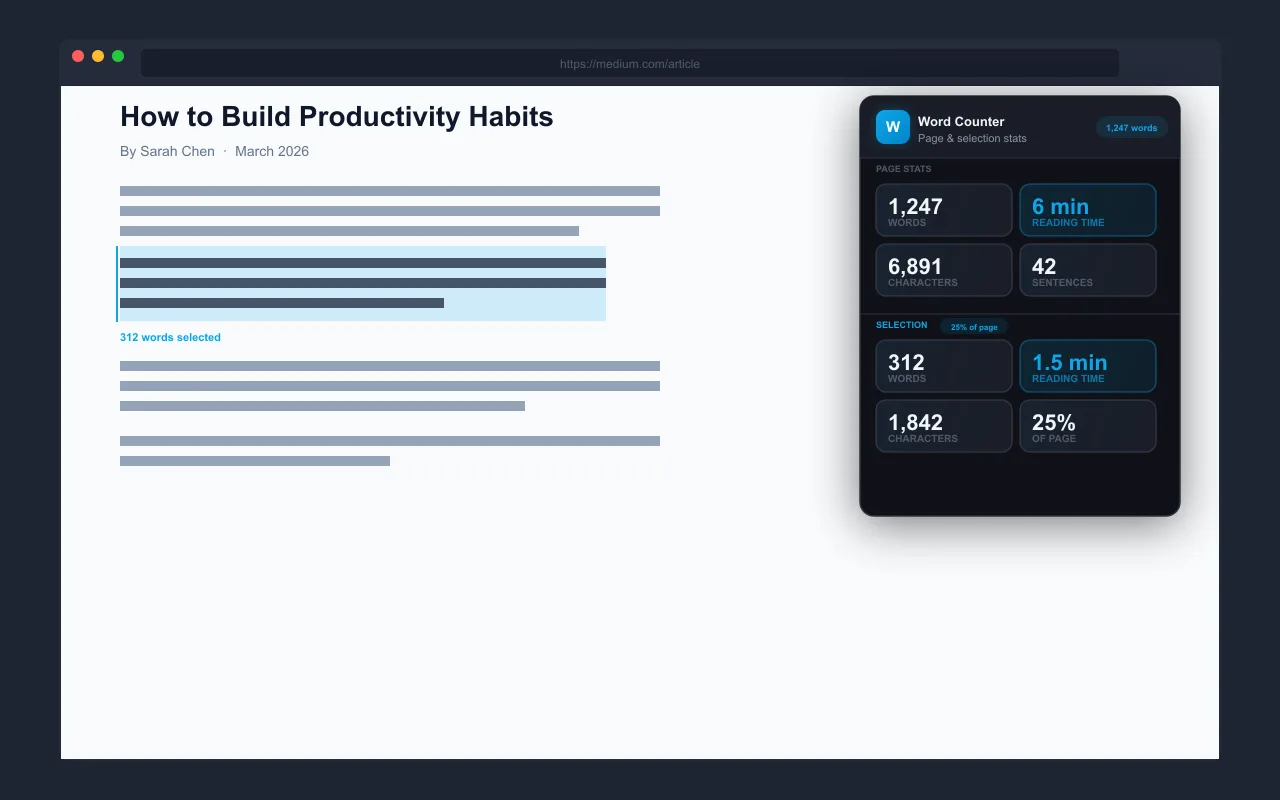
Word Counter is a clean, fast Chrome extension that gives you real-time word count, reading time, character count, and sentence count for any webpage — or just the text you have selected. Open the popup on any page and instantly see total words, estimated reading time based on your personal WPM, character count, and sentence count. Select any text and the Selection panel activates automatically — showing stats for just your highlighted text plus what percentage of the full page it represents. A live badge on the extension icon shows the page word count at a glance without ever opening the popup. Perfect for writers, students, SEO professionals, and anyone who needs to know how long something is.
Key Features
Everything you need to maximize your productivity and workflow.
Full Page Stats
Word count, reading time, character count, and sentence count for the entire page in one glance.
Reading Time
Accurate reading time estimate based on your adjustable WPM setting — calibrate it to your actual reading pace.
Selection Stats
Highlight any text and instantly see word count, reading time, and what percentage of the page you selected.
Live Badge
The extension icon badge shows the page word count at a glance — no need to open the popup.
Adjustable WPM
Set your reading speed anywhere from 50 to 1000 WPM so reading time estimates match your actual pace.
100% Private
Page text is read only in memory to calculate statistics. Nothing is stored, logged, or transmitted.
How to use Word Counter
- 1
Add Word Counter to Chrome from the Chrome Web Store.
- 2
Open any page: the icon badge shows its word count.
- 3
Click the icon for the full stats: words, characters, sentences, and reading time.
- 4
Highlight any text to count just that selection.
- 5
Set your reading speed in words per minute so reading time estimates match you.
Word Counter vs the alternatives
Other ways to do the same job, and where each one fits.
Google Docs' word count
Accurate inside Docs, but it can't count a web page or text in other sites.
Copy and paste into a counter site
Works anywhere, but takes extra steps every time and sends your text to another site.
Grammarly
Shows a count in its editor, but it's a writing assistant, not a quick counter for any page.
Word Counter guides
How-tos and explainers from the blog.
How to Count Words on Any Web Page Without Copy Pasting
Need to know the word count of an online article? Here's how to get it instantly without copying text into another tool.
How to Instantly Count Words on Any Webpage in Chrome
Need a word count for an online article without copy-pasting into a doc? One click gives you the exact number.
Grammarly vs Word Counter: Different Tools for Different Jobs
The internet is full of superficial comparisons that just list features in a table. This guide takes a different approach to grammarly vs word counter: we tested both options extensively and will tell you exactly when each one is the better choice...
How to Check Word Count of a Website Article Quickly
Content marketers and writers need quick word counts of published articles. Here's the fastest way to check any article's length.
How to Estimate Reading Time on Any Web Page Automatically
Knowing how long an article will take to read helps you decide whether to read it now or save it for later. Here's how to show reading time on any page automatically.
Essential Word Count Tools for Content Marketers in Chrome
Content length is a ranking factor. Here's how to quickly audit competitor content length and benchmark your own articles.
Visual Showcase
See Word Counter in action across different contexts.
Reviews on the Chrome Web Store
Written by Word Counter users on its Chrome Web Store listing, copied word for word.
This is the best word counter I have used. I like the - clean simple design, - multiple different metrics for: - reading time, - words, - sentences, - and characters. - you can adjust your WPM. - you can show a badge of word count 2 possible improvements: - option to select which metric to show badge count. - wish that the extension was open source on github.
Frequently Asked Questions
Everything you need to know about Word Counter.
Is it free?
Yes — it is completely free, with no paid tiers, subscriptions, or upsells.
Which browsers does it work on?
It is built for Google Chrome and also works on other Chromium-based browsers like Microsoft Edge and Brave.
What can it count?
Word count, character count, sentence count, and estimated reading time — for a whole page or just the text you select.
Is it a good Grammarly alternative for counting?
If you only need counting (not grammar checking), yes — it is a lightweight, private alternative that runs locally and needs no account.
How do I count the words on a web page in Chrome?
Install Word Counter and open the page. The icon badge shows the word count, and the popup adds characters, sentences, and reading time.
Does it work on a Chromebook?
Yes. Chrome extensions run on Chromebooks, so Word Counter works the same way there.
Ready to Get Started?
Word Counter is free, installs in seconds, and has no account to sign up for.
Get Extension Now!Need a custom extension for your business? I build Chrome extensions for clients too.