Concept Law firm · Website
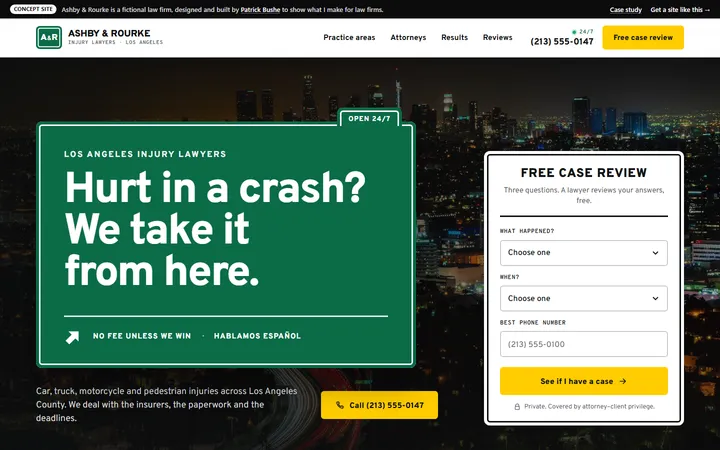
Ashby & Rourke
An injury firm site built on freeway signs, with a four-step free case review that a lawyer reads.
Concept Button Tree Pediatric Dentistry · Pediatric dentist · South Pasadena
A kids’ dentist site where every visit ends with a button for the tree, with a tooth timeline for parents and back-to-back booking for brothers and sisters.
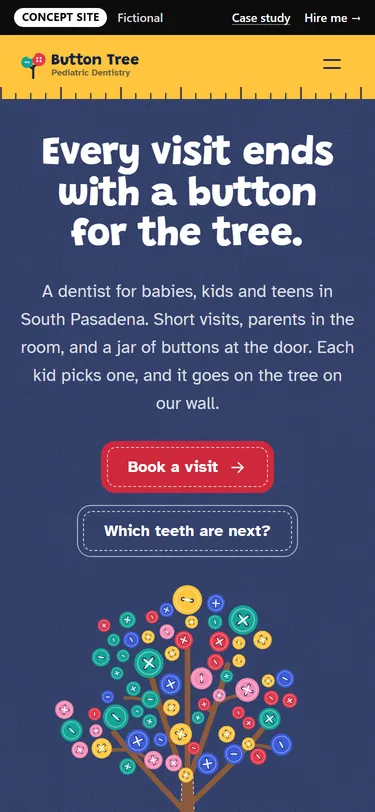
Button Tree Pediatric Dentistry is a made-up practice in South Pasadena for babies, kids and teens.
Parents of young kids have questions before they have an appointment: when the first visit should be, whether a late tooth is normal, and what to do if a tooth gets knocked out. They’re also juggling more than one kid, naps and school hours. A kids’ dentist site has to calm the kid and answer the parent.
The idea
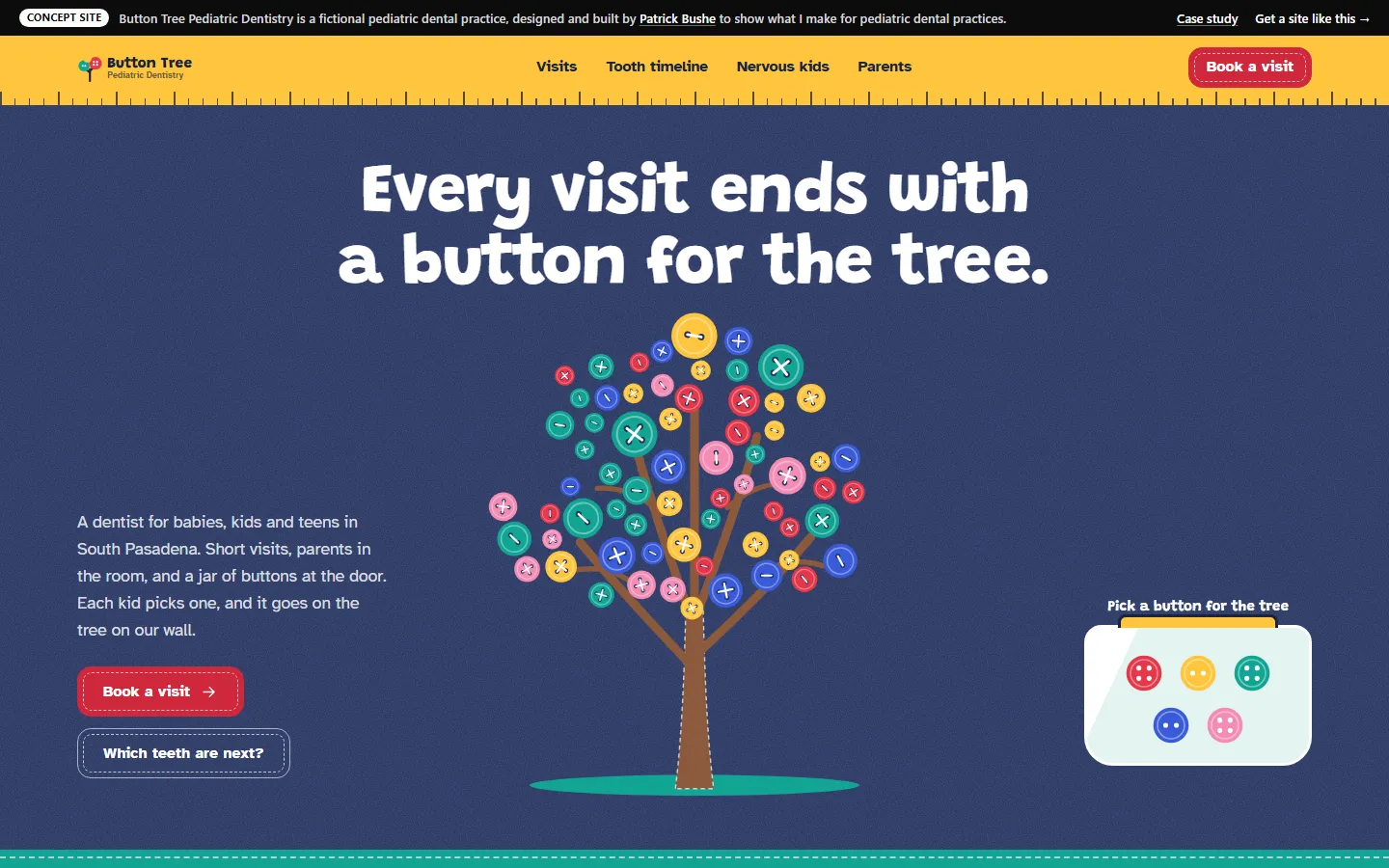
After every visit each kid picks a sewing button from a jar, and it goes on the tree painted on the waiting-room wall. The first screen is that tree on a navy felt board, with a brown felt trunk stitched in white thread and 65 buttons in five colors with a few gaps left; tapping a button in the jar next to it sews it onto a branch. The header is a yellow tape measure. Every choice on the site is a sewing button that gets stitched on with an X of thread when you pick it, and cards and buttons have stitched edges. Cherry, sunflower, teal, cobalt and pink on white and navy felt; Grandstander with Atkinson Hyperlegible, a typeface drawn for easy reading.
The tooth timeline takes a birthday or an age and colors a mouth chart of the 20 baby teeth and the adult molars: in, could come in now, could be wiggly, or replaced by an adult tooth. Tap any tooth for its ranges, taken from the American Dental Association’s eruption chart. Under the chart is what’s next, from the first visit and toothpaste amounts to sealants and an orthodontic check by 7.
Pick “A knocked-out tooth” and the booking form goes away. In its place: call now, five steps for saving an adult tooth, why a baby tooth shouldn’t go back in, and when to go to the emergency room first.
Add up to four kids and book them back to back. The summary card shows each kid as a button with their age, plus the total time in the office. Before school, mid-morning for toddlers, after school and Saturday are separate choices.
Everything works in the browser. Forms and checkout don’t send anything.
Want one like it?
Your site gets its own idea, the way this one does, built around your business and your customers. You get one fixed price after a free call, and you work with me directly from the first sketch to launch.
Get your fixed quote
You get a fixed-scope quote within 48 hours. No sales call needed.
Concept Law firm · Website
An injury firm site built on freeway signs, with a four-step free case review that a lawyer reads.
Concept Medical clinic · Website
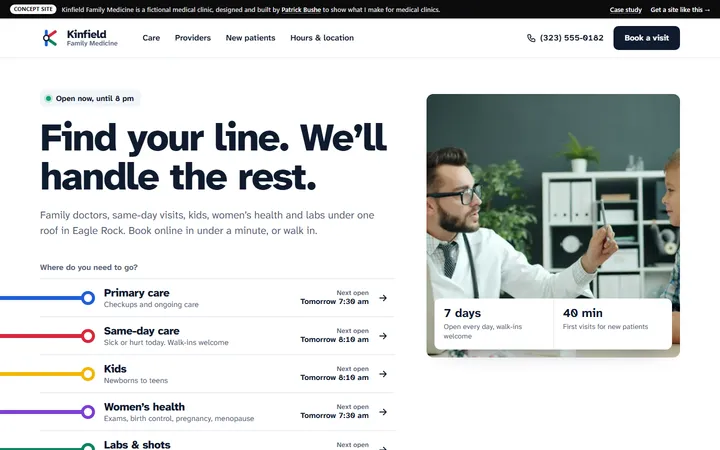
A family clinic site where every kind of care has its own colored line, and booking takes under a minute.
Concept Contractor · Website
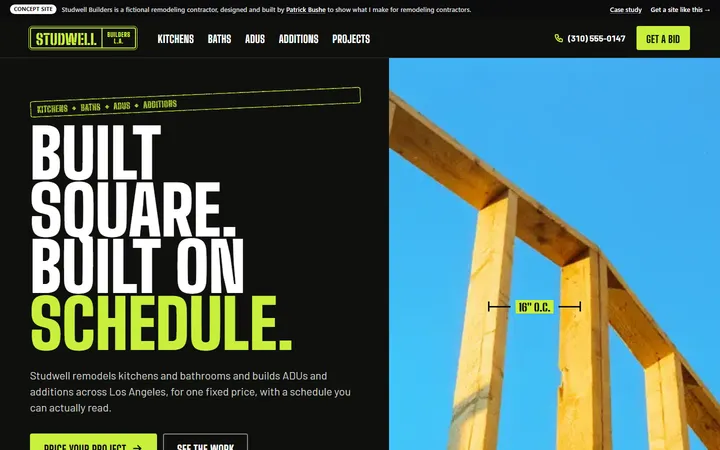
A remodeler’s site with a live rough estimate and the week-by-week schedule every client gets.